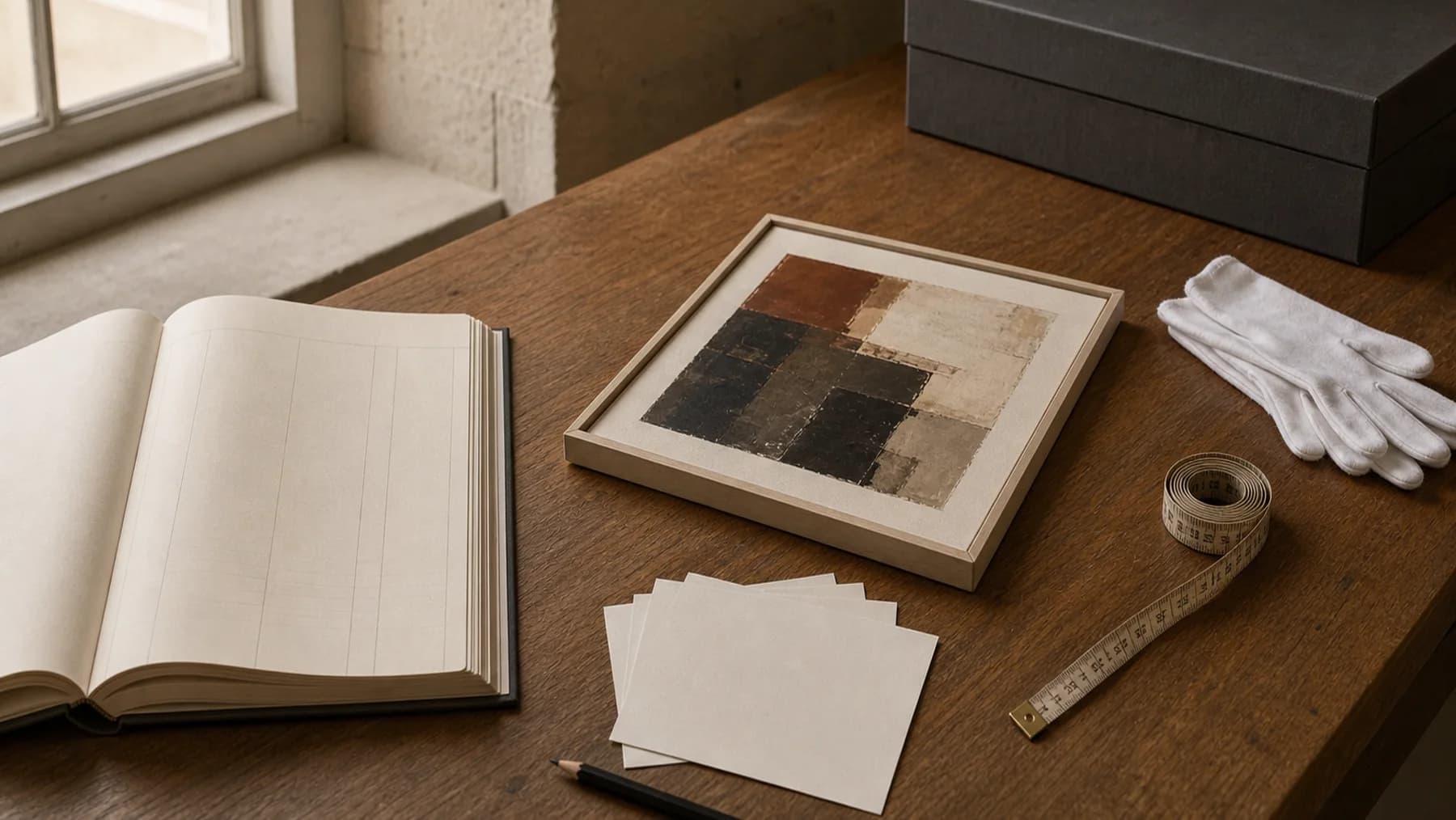
How to Make a PDF Art Catalog That Helps You Sell Work
What this helps you do
Turn a focused selection into a polished document people can keep.
A PDF art catalog can still do important work for artists. It is portable, easy to share, and useful in situations where a website alone is not enough. The difference between a helpful catalog and a forgettable one is structure.
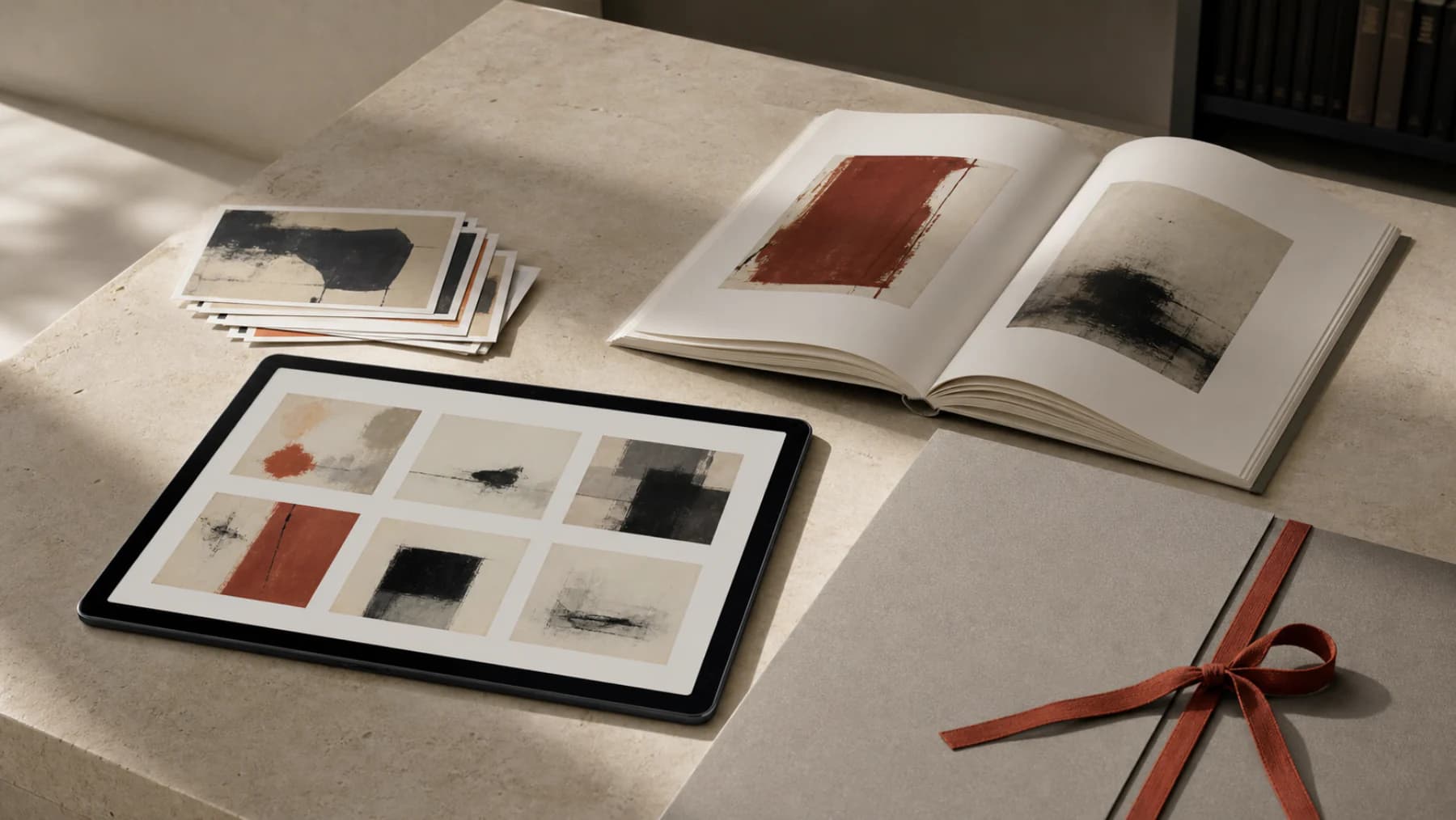
When a PDF catalog is still the right format
Artists often need something more focused than a full website. A PDF catalog works well when you are sending a curated body of work to a gallery, preparing for a fair, following up after a studio visit, or sharing a series with a collector who wants everything in one file.
A good catalog is not just a folder of images exported into a PDF. It is a paced presentation. It helps the reader understand what they are looking at and how the works relate to one another.
What to include in a strong art catalog
- A clean cover with your name and a representative image
- One clear entry per artwork
- Title, year, medium, dimensions, and price or availability status
- Good quality images with enough breathing room on the page
- Contact details or a clear next step
The right amount of information depends on the use case. A fair packet may be concise. A curatorial submission may need more context. Either way, the details should stay consistent across every work. You can use the PDF art catalog maker to generate a limited sample from up to three images.
Image choice matters more than volume
More pages do not automatically make a stronger catalog. A compact, well-edited selection usually performs better than a long, repetitive document. Choose images that show range without diluting quality.
If you include multiple images per work, make sure each one earns its place. Detail images, texture shots, and installation views can be useful, but only when they help the reader understand the work better.
The most common catalog mistakes
- Inconsistent typography and spacing
- Missing artwork data on some entries
- Overcrowded pages with too little margin
- Images that are too dark, too small, or poorly cropped
- Exporting a huge file that is slow to open and awkward to share
Most of these issues come from building catalogs manually every time. The more often you rebuild the layout from scratch, the more likely it is that details drift.
Build the catalog from good records
Catalog quality starts earlier than design. If your underlying artwork records are incomplete, the PDF will reflect that. Missing dimensions, inconsistent mediums, or unclear status labels all make the final presentation feel less polished.
The easiest way to create a professional catalog consistently is to store the right data once, then generate from that source of truth. That turns the PDF into an output of your system, not a separate project every time you need one. If you want that workflow already built for you, Artwork Codex lets you generate PDF catalogs from your artwork records.
Think about the reader's next move
What should happen after someone reads the catalog? Should they reply to request a price list, schedule a studio visit, ask for a viewing room link, or reserve a piece? Make the next step obvious.
A strong catalog is not only descriptive. It is directional. It helps the reader continue the conversation with as little friction as possible.
Generate polished catalogs from your artwork records
Artwork Codex turns your artwork data and images into professional PDF catalogs without rebuilding the same document from scratch each time. You can also generate a limited sample catalog from three images.
Paid checkout requires a card. Cancel anytime. The Free plan remains available without a card.
Built for artists who want cleaner presentation and less admin.